About Super16Bit
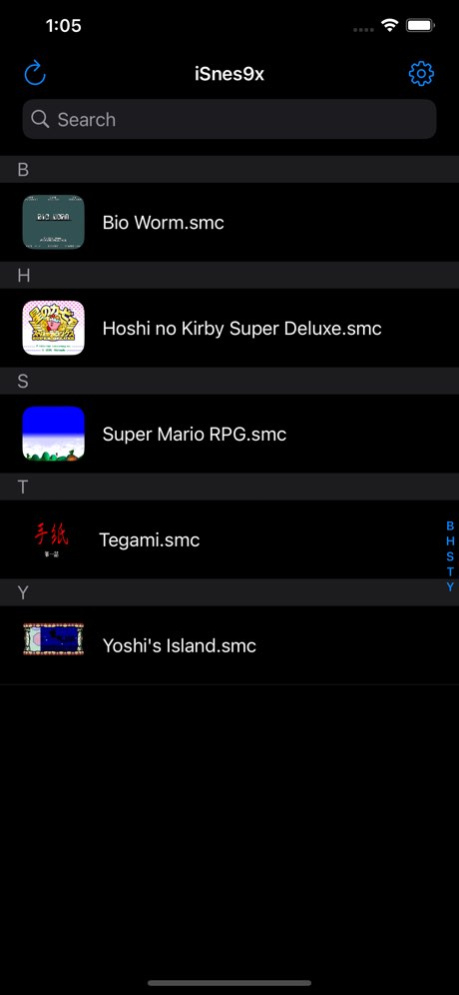
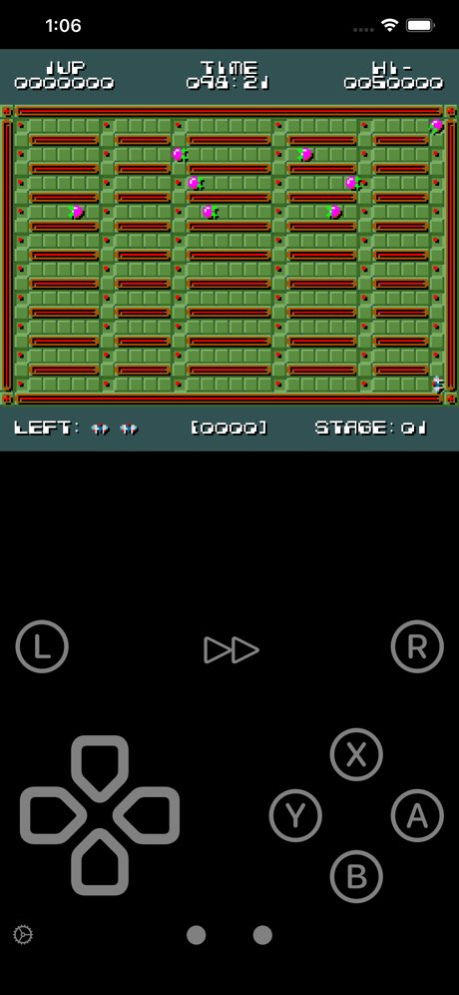
An advanced SNES (Super Nintendo) emulator optimized for Apple devices. ・Game controller ・State save ・Cheat code ・Turbo mode, Rewind ・External display output ・Metal rendering video optimized for Apple devices ・AudioUnit...
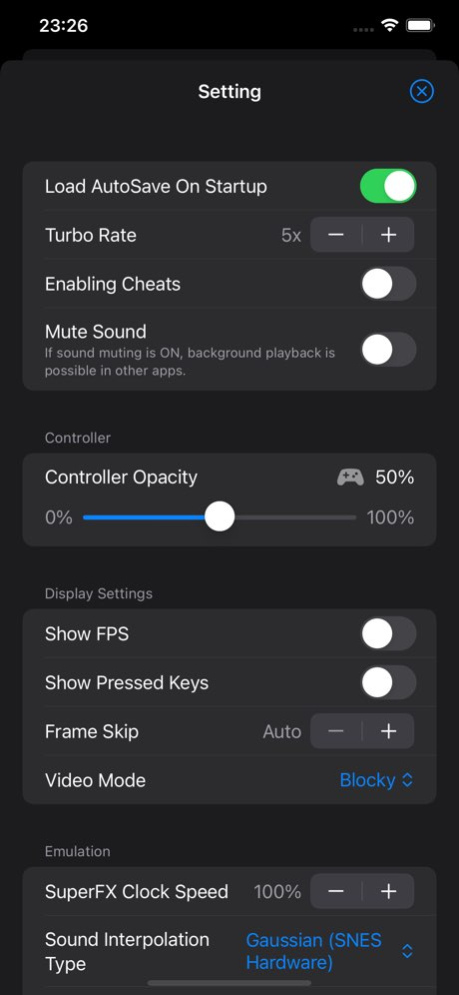
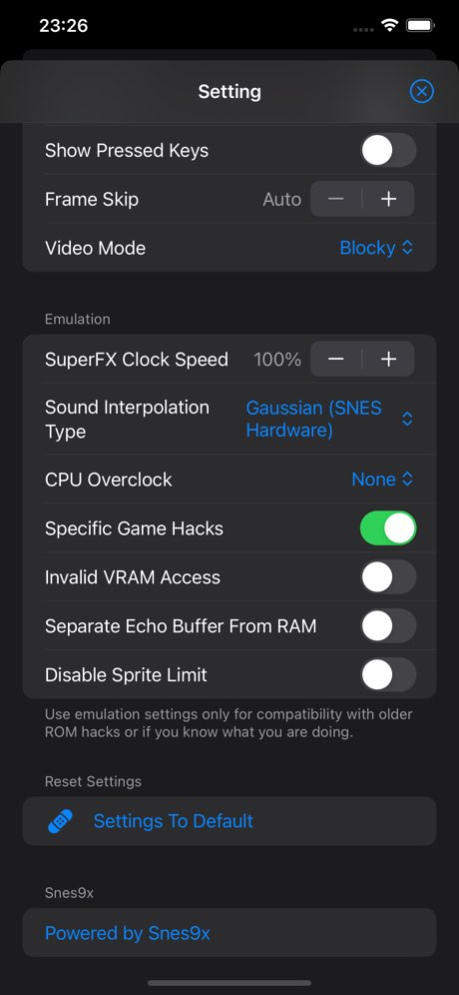
An advanced SNES (Super Nintendo) emulator optimized for Apple devices. ・Game controller ・State save ・Cheat code ・Turbo mode, Rewind ・External display output ・Metal rendering video optimized for Apple devices ・AudioUnit low-latency audio optimized for Apple devices ・iCloud sync (backup, restore) ・Touch screen controller layout customization ・Added various other functions *Last Inc. has no relationship with Nintendo. The name "Nintendo" and all related game console names are registered trademarks of Nintendo Co., Ltd.
Previous Versions
Here you can find the changelog of Super16Bit since it was posted on our website on 2026-02-17 03:40:07.
The latest version is 1.0.4 and it was updated on 2026-10-10 07:15:07. See below the changes in each version.
Super16Bit version 1.0.4
Updated At: 2026-10-08
Changes: Version History We have made various improvements, including bug fixes, stability enhancements, and performance improvements. 1.0.4 May 31 ・Metal 4 has been temporarily removed due to a critical bug. 1.0.3 May 18 ・Metal 4 support has been added. (Supported devices)
・Various other optimizations and bug fixes have been implemented. 1.0.2 Apr 27 ・Metal 4 support has been added. (Supported devices)
・Various other optimizations and bug fixes have been implemented. 1.0.1 Apr 22 ・Metal 4 support has been added. (Supported devices)
・Various other optimizations and bug fixes have been implemented. 1.0 Apr 16 ・Various improvements have been made, including bug fixes, stability improvements, and performance improvements. 0.9.8 06/16/2025 ・Various improvements have been made, including bug fixes, stability improvements, and performance improvements. 0.9.7 04/21/2025 ・Supports MetalFX Upscaling (Metal 3 compatible devices) [Settings → Metal -> MetalFX] 0.9.6 03/03/2025 ・Further optimization of drawing performance
・Further optimization of sound performance
・Added ON/OFF setting to respect mute mode (Settings -> Sound)
・External keyboard can now be used as a controller
・Initial support for emulating SNES mouse
・Fixed issue with external screen output
・Fixed one of the issues that could cause a crash
・Fixed issue where the layout was not reflected in landscape mode
・Fixed issue where Game Genie cheat codes could not be entered
*We apologize for the fact that this update will reset the button settings for external controllers to default. 0.9.5 02/18/2025 ・Sound optimization and enhancements
・Minor bug fixes 0.9.4 12/16/2024 ・Further optimization of rendering performance 0.9.3 11/25/2024 ・Minor bug fixes 0.9.2 11/13/2024 ・Further optimization of controller input 0.9.1 11/11/2024 ・Addition of player settings
・First support for customization of controller inputs 0.9 11/04/2024 ・Core Update
・Other minor optimizations 0.8.3 10/16/2024 ・iOS18 game mode is now supported.
・Other minor optimizations. 0.8.2 10/07/2024 ・Addition of rewind function
[NOTE]
We apologize, but updating from version 0.8 or earlier will cause the touchscreen controller layout to revert to default. We apologize that users will have to set it up again. 0.8.1 09/12/2024 ・Addition of rewind function
[NOTE]
We apologize, but this update reverts the touchscreen controller layout back to the default. We apologize that those who use it will have to set it up again. 0.8 09/10/2024 ・Core Update
・Further optimization for Apple devices 0.7.2 07/30/2024 ・Minor bug fixes
・Further optimization for Apple devices 0.7.1 07/26/2024 ・Minor bug fixes
・Further optimization for Apple devices 0.7 07/22/2024 ・Further optimization for Apple devices 0.6.2 07/16/2024 ・Minor bug fixes
・Further optimization for Apple devices 0.6.1 07/14/2024 ・Added region selection function
・Added monochrome to video mode
・Further optimization for Apple devices 0.6 07/08/2024 ・Added aspect ratio change function to settings
・Added button input display toggle function to settings
・Further optimization for Apple devices 0.5 07/01/2024
Super16Bit version 0.9.8
Updated At: 2025-06-16
Changes: ・Various improvements have been made, including bug fixes, stability improvements, and performance improvements.
Disclaimer
Official App Store Link
We do not host Super16Bit on our servers. We did not scan it for viruses, adware, spyware or other type of malware. This app is hosted by Apple and passed their terms and conditions to be listed there. We recommend caution when installing it.
The App Store link for Super16Bit is provided to you by apps112.com without any warranties, representations or guarantees of any kind, so access it at your own risk.
If you have questions regarding this particular app contact the publisher directly. For questions about the functionalities of apps112.com contact us.